Tracking, chat and payment
The Orders tab
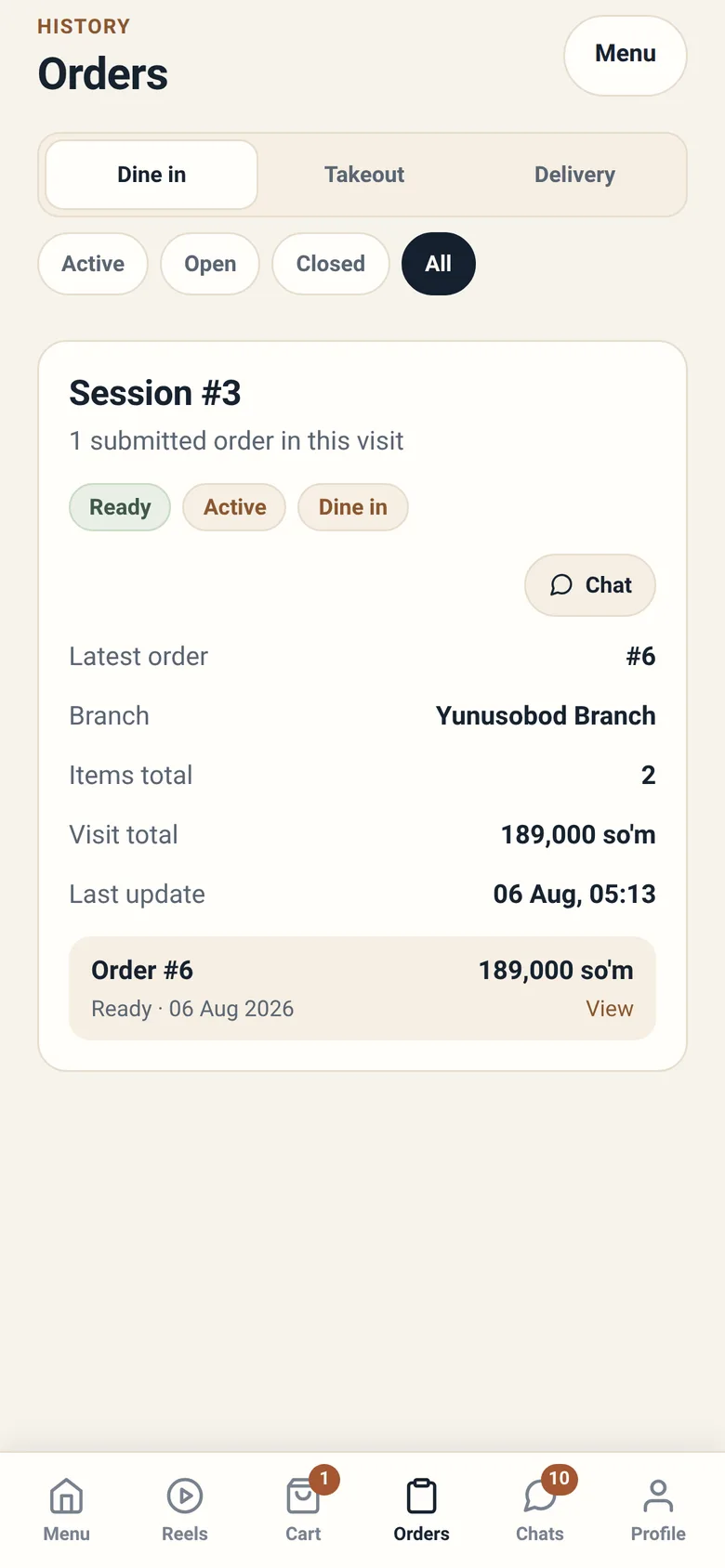
Section titled “The Orders tab”One list, narrowed two ways. Across the top is a segmented control naming the three order types — Dine in, Takeout, Delivery — and you are always looking at exactly one of them. Under it a rail of chips narrows further: Active, Open, Closed, All.
There is no separate “tracking” screen and no separate “history” screen; current and finished orders are the same list under different chips. (History is the small word printed above the Orders title, not a view you can switch to.)
Dine-in entries are grouped by visit; takeout and delivery orders stand alone.
What each status means
Section titled “What each status means”| Status | What is happening |
|---|---|
| Received | The restaurant has your order |
| Pending payment | Waiting on payment before it can go further |
| Preparing | The kitchen is making it |
| Ready | Made, waiting to reach you |
| Served | Brought to your table |
| Pickup ready | Waiting at the counter for you |
| Out for delivery | A courier has it |
| Delivered | It reached you |
| Cancelled | It will not be made |
You cannot move these yourself, and neither can the app. A status changes when something really happens at the restaurant — a cook starts your food, a waiter serves it, a cashier confirms your payment. That is why the guest app and the staff app can never tell two different stories about the same order.
Reading an order
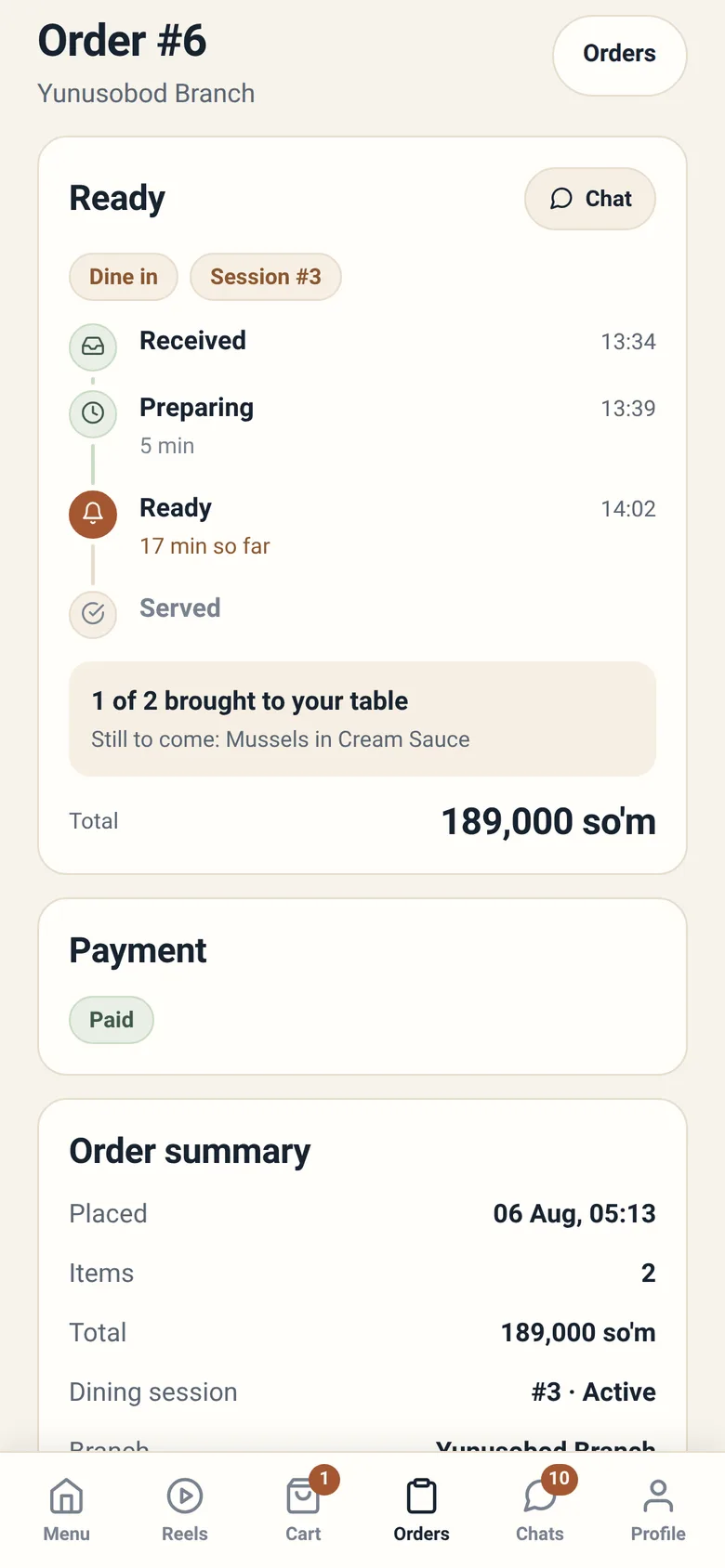
Section titled “Reading an order”Opening an order shows what you actually submitted:
- Status and when it last changed
- Type — dine in, takeout or delivery
- Branch, and for delivery, the address
- Items, exactly as you sent them, with the options you chose
- Totals — the items total, delivery fee if any, and the order total
- For dine-in, the visit total across the whole session
The item list is a record, not a form. It shows what was ordered, at the price it was ordered at, even if the menu has changed since.
Cancelling
Section titled “Cancelling”Cancel order appears on an order while the branch has not started preparing it and it has not been paid. Once cooking begins the button is gone because the food exists; once payment has settled it is gone because unwinding money is a refund, not a cancellation. In a branch that charges up front, paying is usually what removes it.
If you tap it and the app says the order may have moved on, that is what happened — it was started between you opening the screen and tapping. Refresh and check the status, then use the chat if you still need help.
Chatting with the restaurant
Section titled “Chatting with the restaurant”Every order can carry a conversation, and Chats collects them.
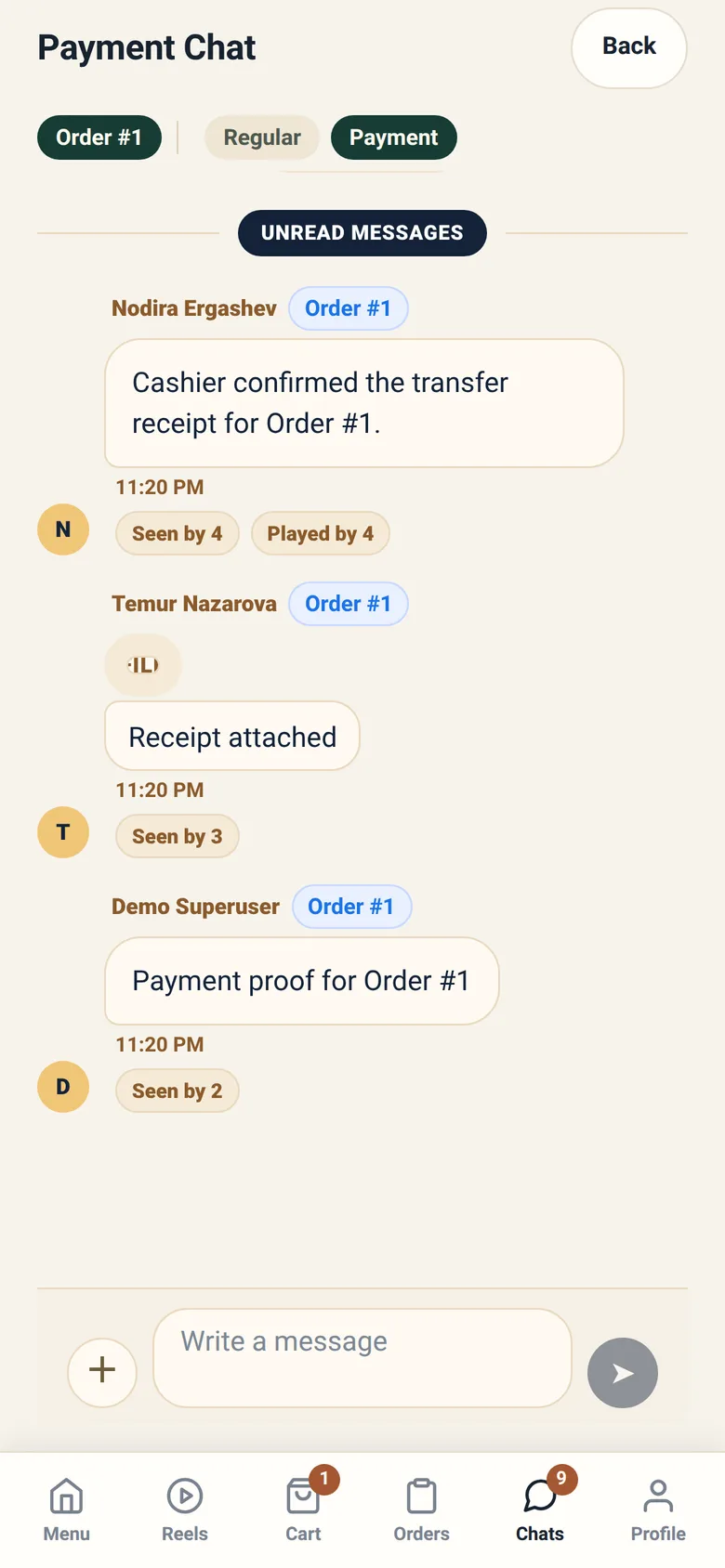
The chat is attached to a specific order, which is the reason it works well: the staff member replying can see the order you are talking about, without you having to describe it. Use it for anything that needs a human — a mistake, a change, a question about how long something will take.
Replies come from whoever is working that order at the branch. Out of hours, expect a delay.
How payment works
Section titled “How payment works”Sitora supports several payment routes, and they all end the same way: an order becomes paid when the restaurant confirms it did.
Paying online. Some branches accept online payment through a payment provider. You are taken through the provider’s own flow and returned to the app.
Paying at the till or the table. Cash, card or terminal — handled by the restaurant, recorded by a cashier.
Paying by transfer. You send the money and attach proof. A cashier reviews it, and confirms or rejects it. Your order shows as pending until they decide.
Paying cash to a courier. See Takeout and delivery.
Why “I paid but it still says unpaid”
Section titled “Why “I paid but it still says unpaid””Because a claim of payment and a confirmation of payment are different things, and only the second one counts. A cashier reviewing a transfer has to actually look. During service that can take a few minutes.
If it stays that way much longer, ask on the chat. Include nothing extra — the cashier already has your proof.
Refunds
Section titled “Refunds”Refunds are made by the restaurant, and where a payment provider was involved, through that provider. The app does not offer a refund button, because refunding is not something the app can do on its own.
If you need one, use the chat on the order.