Shifts, offers and jobs
Going on shift
Section titled “Going on shift”Tap Go on shift. The app starts looking for work.
Tap End shift when you finish. The app stops entirely — no polling, no battery, no data.
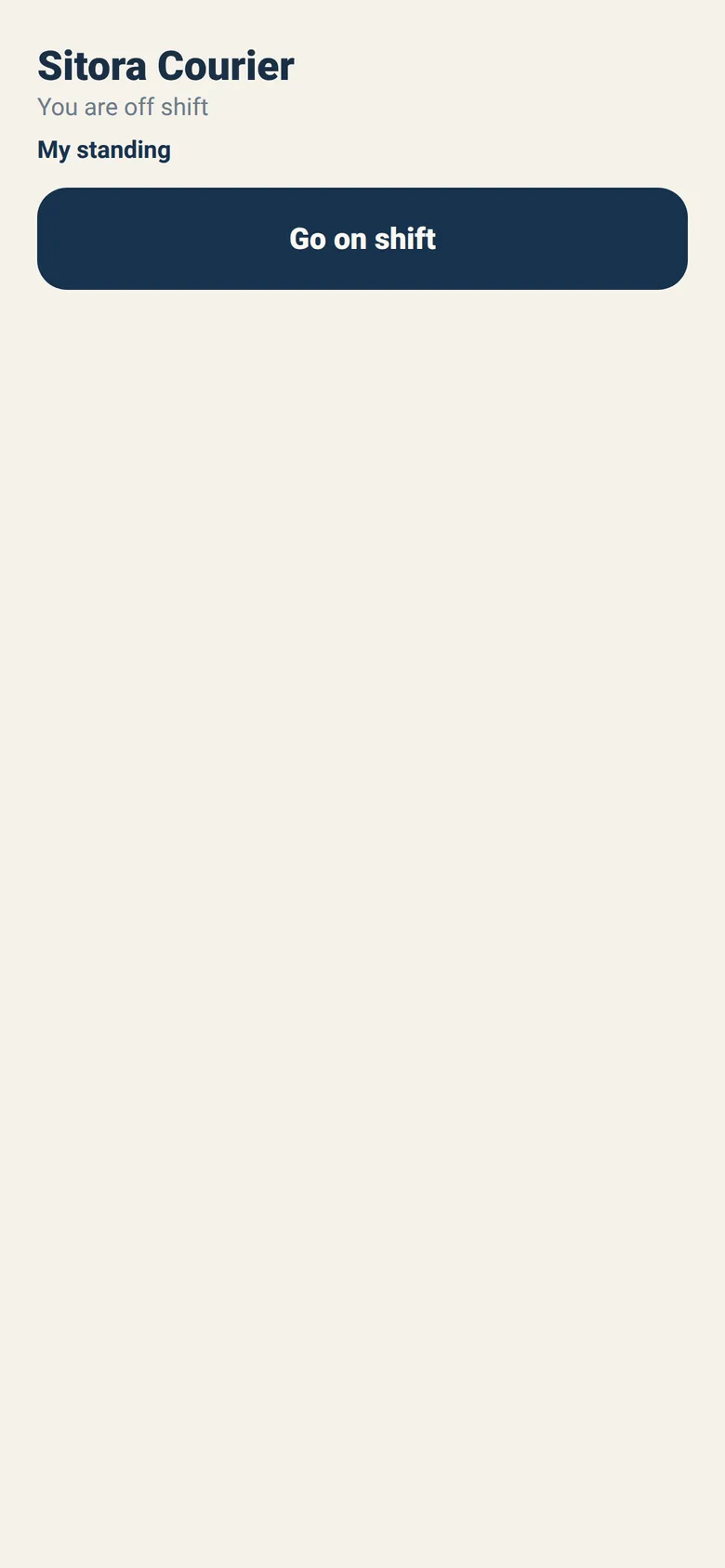
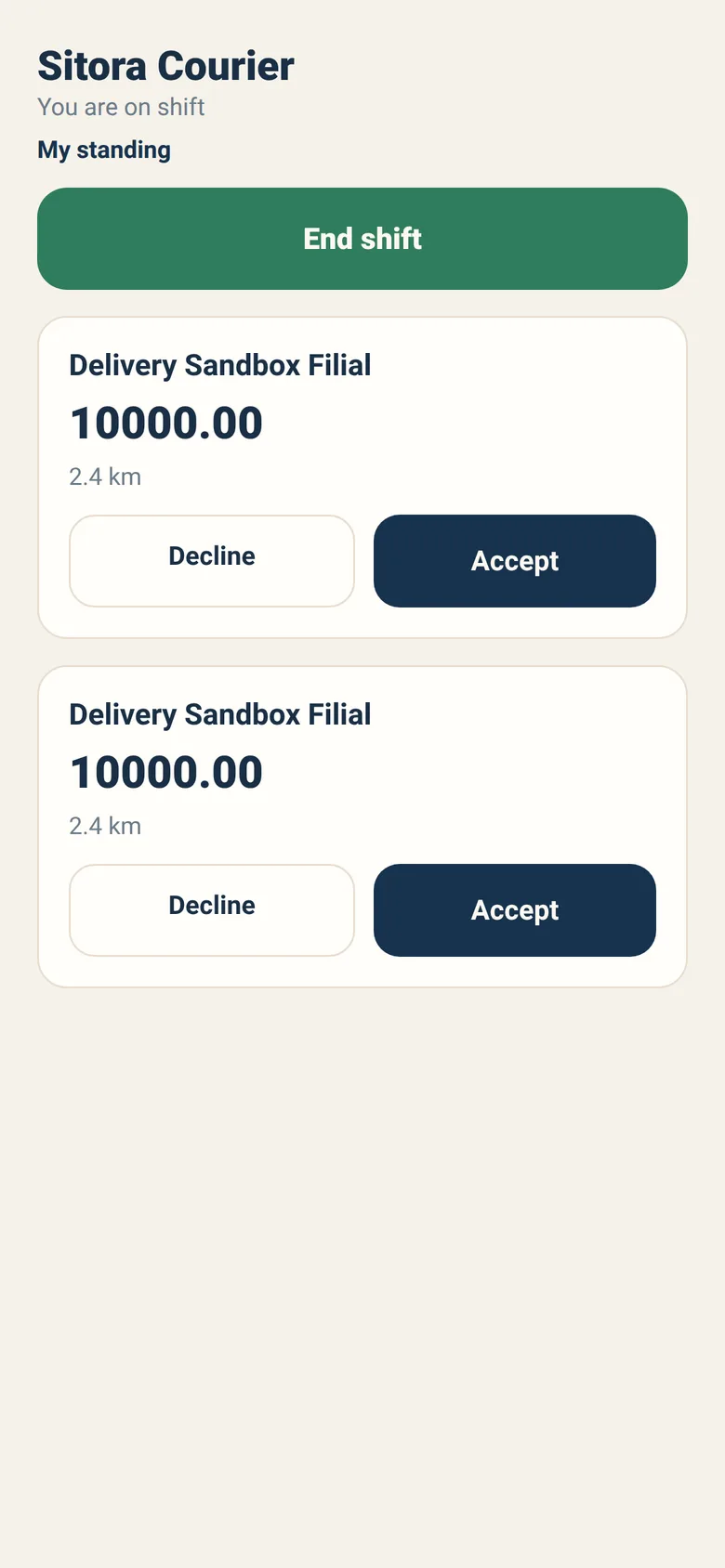
While on shift with nothing waiting, the app says “No offers right now. You will see them here.” That is the normal resting state.
Offers
Section titled “Offers”An offer shows four things and nothing else:
- The restaurant
- A countdown, in seconds, beside the restaurant’s name — it turns red at fifteen seconds left
- The payout
- The distance, and whether it is cash on delivery
That is all you need to decide, and it is all you get. The customer’s address and phone number are not yours until you accept.
Accept or Decline.
Offers do not wait
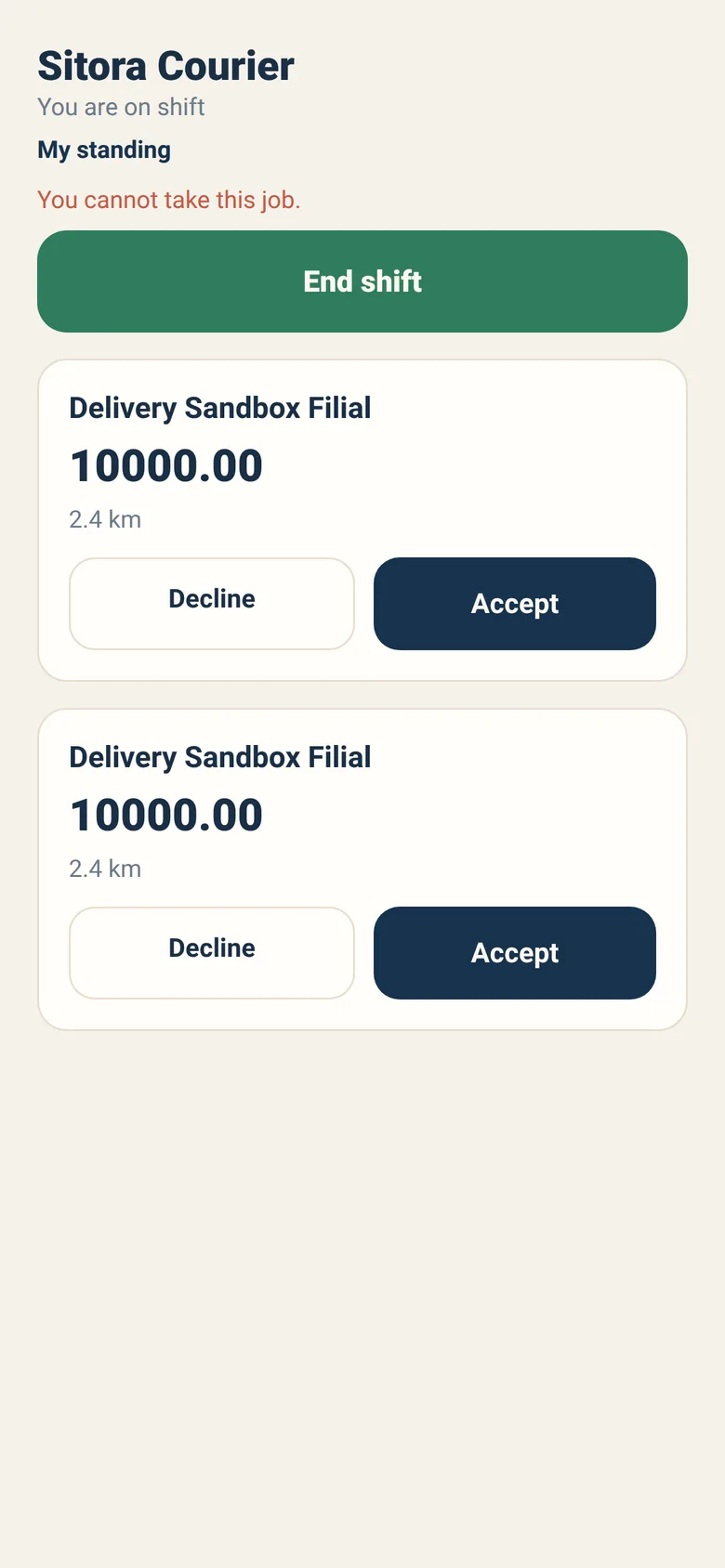
Section titled “Offers do not wait”The countdown on the card is not decoration: it is the offer’s own expiry, and when it reaches zero the offer is gone. Several couriers can see the same one, and the first to accept gets it — if you are second, the app tells you it is already taken.
That is not a bug and it is not personal. Deciding quickly is the whole skill.
Letting offers run out is not free
Section titled “Letting offers run out is not free”Declining is fine. Repeatedly letting offers expire without answering is treated differently: it holds up the restaurant’s order while the system waits for you.
Enough of those in a short window and your offers are paused for a while. See Your standing.
If you cannot take work right now, end your shift. It is the honest signal and it costs you nothing.
Carrying a job
Section titled “Carrying a job”Once you accept, the job replaces the offer list — one job at a time, always.
Now you see the order number, the restaurant, the delivery address, the customer’s contact number, and Navigate, which opens your own map app.
The buttons you report with
Section titled “The buttons you report with”| Button | When to press it |
|---|---|
| I am at the restaurant | You have arrived to collect |
| I have arrived | You are at the customer |
| Delivered | It is in the customer’s hands |
| Report a problem | Something has gone wrong |
You will notice there is no “I have collected it”. That is deliberate: a member of restaurant staff confirms the handover, not you.
It protects you. Custody changing hands is exactly what a dispute is about, and the record shows the restaurant’s own person attested it — not your word against theirs.
There is also no way to give a job back. Those four are the only reports you can make; nothing in the app cancels a job you have accepted. Once it is yours, it ends by being delivered or by being reported as a problem, and nothing else you can press changes that.
Reporting a problem
Section titled “Reporting a problem”Report a problem asks what went wrong:
| Reason | Use it when |
|---|---|
| Customer is not answering | You are there and cannot reach them |
| The address is wrong | It does not exist or is not theirs |
| Customer refused the order | They would not take it |
| Order was not ready | The restaurant had nothing to give you |
| I had an accident | You are hurt or your vehicle is damaged |
| The food was damaged | It is not deliverable |
| My vehicle broke down | You cannot continue |
| Something else | None of the above |
Report honestly and promptly. An accurate reason protects you; a job abandoned without one looks like an abandoned job, and that is what it counts as.
Day-to-day recipes
Section titled “Day-to-day recipes”I accepted by mistake. There is no undo, and no “drop this job” — the app gives you no such verb. Report a problem with the honest reason as soon as you can, and if none of the listed reasons fits, use Something else. One honest report is not a pattern; the thing that pauses offers fastest is letting offers expire without answering, which is a different behaviour entirely, and a cancellation is something only the restaurant can do.
The restaurant is not ready and I have been waiting. Wait a reasonable time, then report Order was not ready. That is a real signal the restaurant needs.
I cannot find the address. Use Navigate first, then call the customer. Report The address is wrong only when it genuinely is.
My phone died / I lost signal. Reconnect and open the app. Your job is still there. Report the state you are actually in now.
I finished but the order still shows out for delivery. Some restaurants confirm delivery manually. Nothing for you to do — your report is recorded.
I want to stop for the day mid-job. Finish the job first, then end your shift. Ending a shift does not cancel a job you are carrying.
Your earnings
Section titled “Your earnings”Earnings are worked out from the jobs you completed, with the payout fixed at the moment you accepted. Accepting a job at a stated payout means that payout, even if anything changes afterwards.
Sitora does not pay you. Payment is between you and the restaurant. The app shows what you earned; it does not move money, and it does not pretend to.