Account, plan and reports
The account screen holds everything about your relationship with Sitora, as opposed to your relationship with your own business.
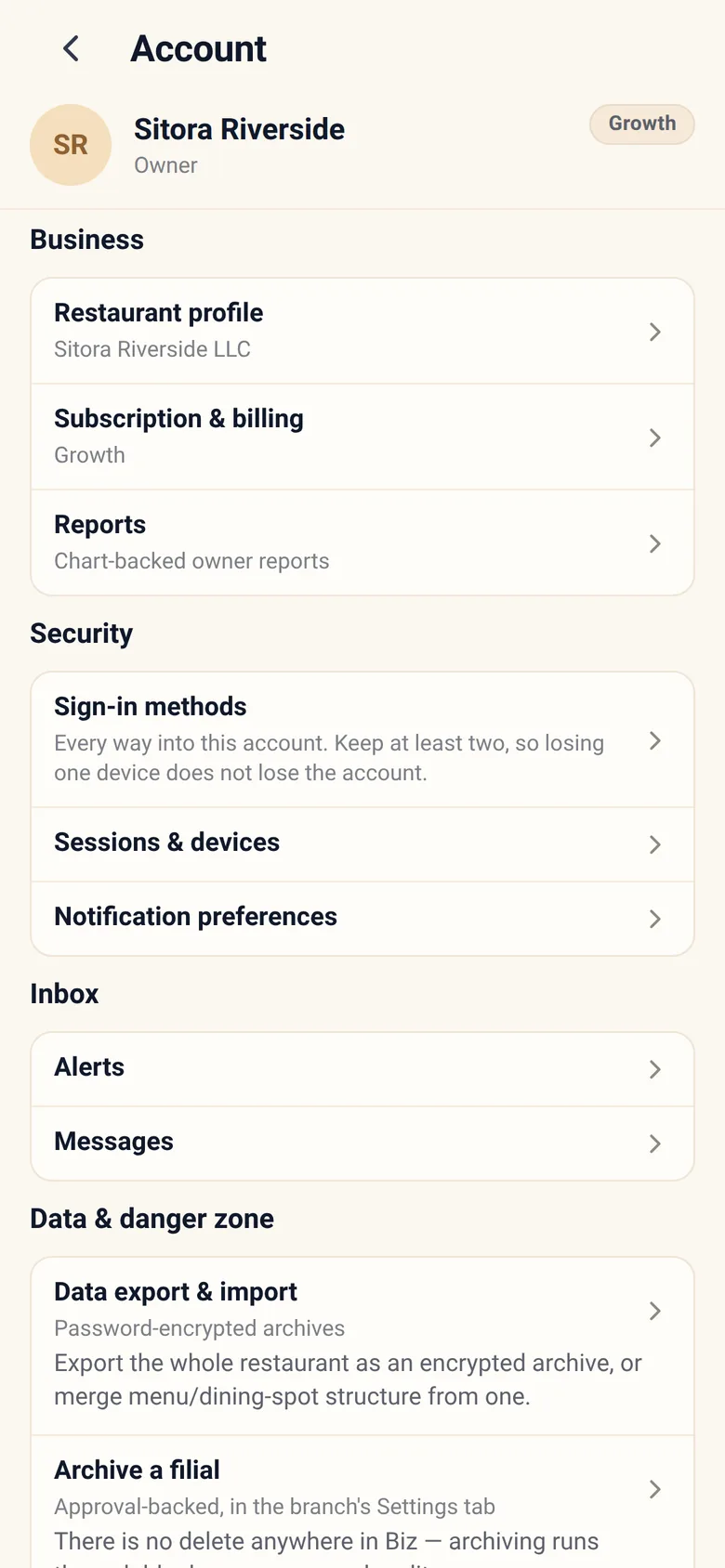
Profile
Section titled “Profile”Your own details, your language, and your sign-in methods.
Sessions
Section titled “Sessions”Where your account is currently signed in. If you see something you do not recognise, end it and add a second sign-in method if you have not.
Notifications
Section titled “Notifications”Which owner alerts reach you. Tune it once, deliberately.
An alert stream nobody reads is worse than no alerts: it teaches you to swipe them away, including the one that mattered. Turn off what you do not act on.
Alerts are delivered in the app and nowhere else. There is no push, no SMS and no email, so an alert waits in the Notifications feed until you open Sitora Biz. Turning a type off removes it from that feed and from the unread badge; one type is locked on and shows a switch you cannot move.
Subscription and plan
Section titled “Subscription and plan”Your plan, what it includes, its limits, and your invoices.
You request; Sitora executes. A plan change goes to Sitora’s billing queue rather than taking effect the moment you tap. This cuts both ways deliberately — nobody can silently move your business between plans either.
When a plan limit blocks something, the app tells you what the limit is, what your usage is, and what would unblock it.
When a subscription is ending
Section titled “When a subscription is ending”If you cancel, service does not stop that day. Cancelling turns off automatic renewal and nothing else — your plan’s features run to the date you have already paid through.
Inside the last seven days, this panel carries a warning: “Subscription is ending” — “the subscription is cancelled and service ends in [n] day(s). Renew to keep plan features on.”
What lapsing actually does
Section titled “What lapsing actually does”On the day the paid-through date passes, the plan’s features are retracted. This is not a warning and not a grace period.
- Reading a feature fails at once. Anything your plan carried and no longer does — delivery, robotics, the assistant, advanced reports — refuses from the moment the date passes.
- The stored switches are turned off shortly after, by the platform, on every branch, and each flip is written into your audit trail as something the platform did rather than something you did. So a branch can still accept a delivery order for a short window after the date, until its own switch is turned off.
- You keep your account and your restaurant. You can sign in, Biz opens, your branches and your history are all still there. What you lose is what the plan paid for.
- Your billing state reads Inactive, and for a week afterwards your alerts carry a notice — “a plan change turned service off” — naming what came off and at how many branches.
Renewing does not turn the switches back on. They were turned off by a deliberate act and they come back the same way, as a deliberate act of yours. That is not an oversight — a switch that reappeared on its own is a branch taking delivery orders nobody decided to take.
Reports
Section titled “Reports”Owner reports answer particular questions — payment methods, daily summaries, and similar. Open one for its breakdown.
They are questions with answers, not a query builder. If the question you need is not there, it is a product gap worth telling Sitora about.
Generated analysis
Section titled “Generated analysis”The larger thing: a workbook and a document built for a period and a scope, covering every subject Sitora can produce for them. This is where it lives — Reports above it answers a fixed question on screen, this produces a file you keep.
Pick a pack, a period and a scope, and the panel says section by section what it can produce and what it cannot, and why. It builds in the background and lands under Files.
The whole of it — what the packs cover, what is free and what the plan carries, how people are kept out by default, how long files are kept — is described under Money, because it is the same subject.
Trading hours
Section titled “Trading hours”Declare when each branch is open. Until you do, Sitora infers the hours from when sessions opened and closed, and labels every figure that rests on them estimated — occupancy, and revenue per available seat-hour.
Hours are versioned rather than edited, so older analysis keeps being computed against the hours that were actually in force. More under Money.
Data export and import
Section titled “Data export and import”Your business data is yours, and you can export it.
Exports are produced as an encrypted archive with a password you set. Keep that password safe — Sitora cannot open the archive for you, which is the point of encrypting it.
Importing is merge-only: an import adds and updates, it never wipes what is there. There is no “replace everything” button, because the failure mode of one is unrecoverable.
Staff activity
Section titled “Staff activity”Attributed actions and earnings estimates across your business — the same data described under People, gathered in one place.
Day-to-day recipes
Section titled “Day-to-day recipes”I am hitting a plan limit. Read the alert, then request the plan change here. It goes to Sitora’s billing queue; you will see the state change when it is actioned.
I want a backup before a big change. Export first. Set a password you will still have in six months.
I am getting too many alerts. Turn off the ones you do not act on. Keep approvals and access alerts.
I lost my phone. End the session here from another device. This is the moment a second sign-in method stops being theoretical.
Someone should take over the business. Ownership changes are a conversation with Sitora, not a setting. Contact support.