Takeout and delivery
Two ways to eat somewhere other than the restaurant. Both start the same way — fill your cart — and differ at checkout.
Takeout
Section titled “Takeout”- Fill your cart.
- Open Cart and set the order type to Takeout.
- Give a contact number. The branch needs a way to reach you when it is ready or if something is wrong.
- Add any notes.
- Place order.
Track it under Orders. When it reaches Pickup ready, it is waiting for you at the counter.
Delivery
Section titled “Delivery”- Fill your cart.
- Open Cart and set the order type to Delivery.
- Choose where it is going. Pick one of your saved addresses if you have any, or Choose on map and drop a pin.
- Give a contact number.
- Wait a second for the app to price the delivery — it shows Pricing delivery… while it works.
- Check the delivery fee and the total.
- Place order.
You cannot place a delivery order without a destination. The app says “Choose where this order is going so we can price delivery” — because until it knows where, there is no price to show you, and it will not ask you to agree to a number it has not worked out.
Saved addresses
Section titled “Saved addresses”An address is saved because you asked for it, not because you ordered there. Once the destination has both an address line and a pin, Save this address appears under it; press it and the app says “Saved. It will be offered the next time you order delivery.” From then on it sits in a Saved addresses list above the address field, so ordering home again is two taps.
Beside each saved address is Remove, which asks before it deletes.
There is no way to edit a saved address. To correct one, remove it and save the corrected version.
Removing an address does not change an order that is already on its way, and neither does replacing it. When you place an order, the app takes a snapshot of the destination — the app says so as it asks: “Orders already placed keep the address they were sent to.” That is deliberate: correcting a typo in your home address should never redirect a courier who is already carrying food.
How the delivery price is worked out
Section titled “How the delivery price is worked out”Worth understanding, because it explains prices that look odd.
It is based on distance, in bands. There is a base fee that covers a base distance from the branch. Beyond that, each additional kilometre adds a charge.
Part of a kilometre counts as a whole one. One metre past the base distance adds a full kilometre’s charge. That sounds harsh, but the alternative is a price nobody can check. This way you can work it out yourself.
Some orders deliver free. A branch can set an order value above which delivery costs nothing. If your total is close to that line, adding one more item can genuinely make the order cheaper.
The price is worked out for your exact pin. Moving the pin a street over can change the fee — it re-prices when you change the destination.
Every branch sets its own numbers. Base fee, base distance, per-kilometre rate, free-delivery threshold and how far it will deliver at all are that branch’s decisions.
If the app cannot price your delivery
Section titled “If the app cannot price your delivery”You will be told which of these it is:
| What you are told | What it means |
|---|---|
| This branch does not deliver | Delivery is not set up here |
| Too far away | Your pin is beyond how far this branch will deliver |
| We cannot price this right now | The distance service is temporarily unavailable, and this branch will not guess |
The last one is worth a word. Sitora can fall back to a straight-line estimate when the road distance is unavailable, but a branch is allowed to refuse that and wait for a real answer instead. If your branch refuses, you will see this message rather than a fee that might be wrong. Try again shortly.
A price does not wait forever
Section titled “A price does not wait forever”Once the app has priced your delivery, that price is held for a few minutes while you finish checking out. If you leave your cart open much longer, the app re-prices before submitting. You will not be charged an old price for a new destination, and you cannot use one price for two orders.
Following a delivery
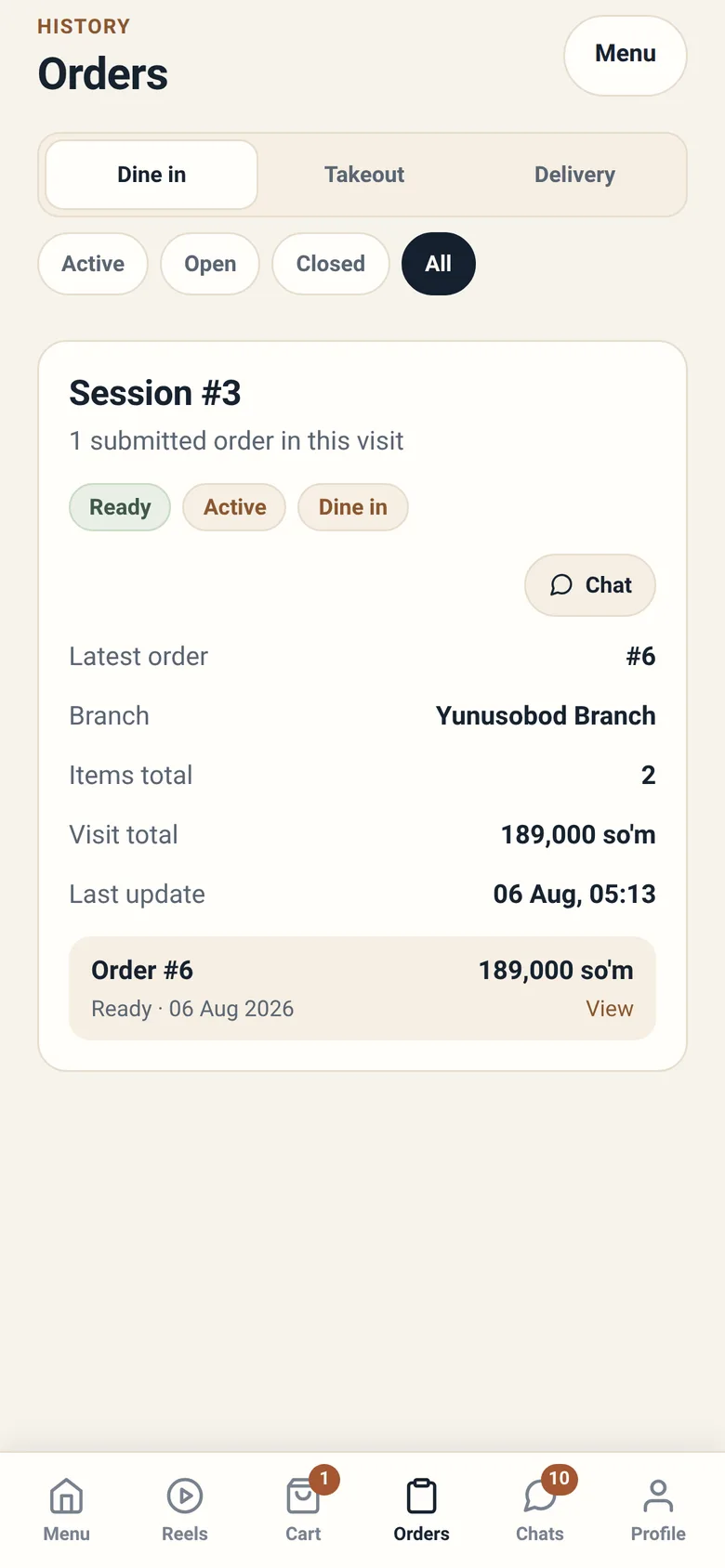
Section titled “Following a delivery”Under Orders, a delivery shows you what is actually happening:
- Finding a courier — the order is out to couriers, none has taken it yet
- A named courier is bringing your order — someone has accepted it
- On the way — they have collected it and are en route
- Delivered
You may also see a rough time estimate.
Why “Finding a courier” can last a while
Section titled “Why “Finding a courier” can last a while”Sitora does not force a job onto anyone. Deliveries are offered to couriers, and a courier chooses to accept. At a busy hour, or a long way out, an offer can go round more than once.
If nothing is happening for an unusually long time, message the branch on the order — they can see the same thing you can, and they have options you do not.
Paying cash to the courier
Section titled “Paying cash to the courier”Some branches let you pay cash when the food arrives. Where yours does, checkout offers a choice — Pay at the counter or Pay on delivery — and choosing Pay on delivery is what tells the courier to collect that exact amount at your door.
The choice appears only where the branch honours it and your total is under that branch’s cash limit. Over the limit it disappears, and the app says why rather than leaving you guessing: “Cash on delivery is available on orders up to …”.
Two more things follow:
- The courier cannot mark your order paid. They hand the cash in, and a cashier at the restaurant confirms it. Your order can show as delivered but not yet settled for a short while. That gap is normal.
- Have the amount ready. The courier sees the amount to collect on their screen before they arrive.
Rating a delivery
Section titled “Rating a delivery”After a delivery you can leave a quick rating — Good delivery, or Something was wrong.
This is worth doing. Courier standing on Sitora is built from real outcomes, and your rating is part of it. It is recorded once and cannot be changed afterwards, so leave it when you have actually seen the food.
When something goes wrong
Section titled “When something goes wrong”| Situation | What to do |
|---|---|
| Wrong address on the order | Chat on the order immediately — do not wait |
| It has been “Finding a courier” for ages | Chat on the order; the branch can re-dispatch or cancel |
| The courier cannot find me | Your contact number is on the job — they will call |
| Food arrived wrong or damaged | Chat on the order, and leave an honest rating |
| I want to cancel | Open the order; Cancel order is available while it is unpaid and not yet started. Paid already? Use the chat |
| Delivery fee looks wrong | Check your pin — the fee follows the exact location |